Upgraded Design for Cam Models and Live Streaming
100% Discreet Shipping • Official Store
Affiliate Disclosure: Intimate Picks is an independent curator of premium adult lifestyle content. We may earn a commission when you purchase through our links, at no extra cost to you. This helps us maintain the highest quality of curation.


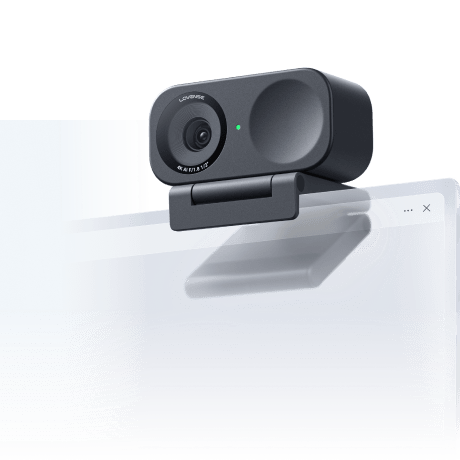
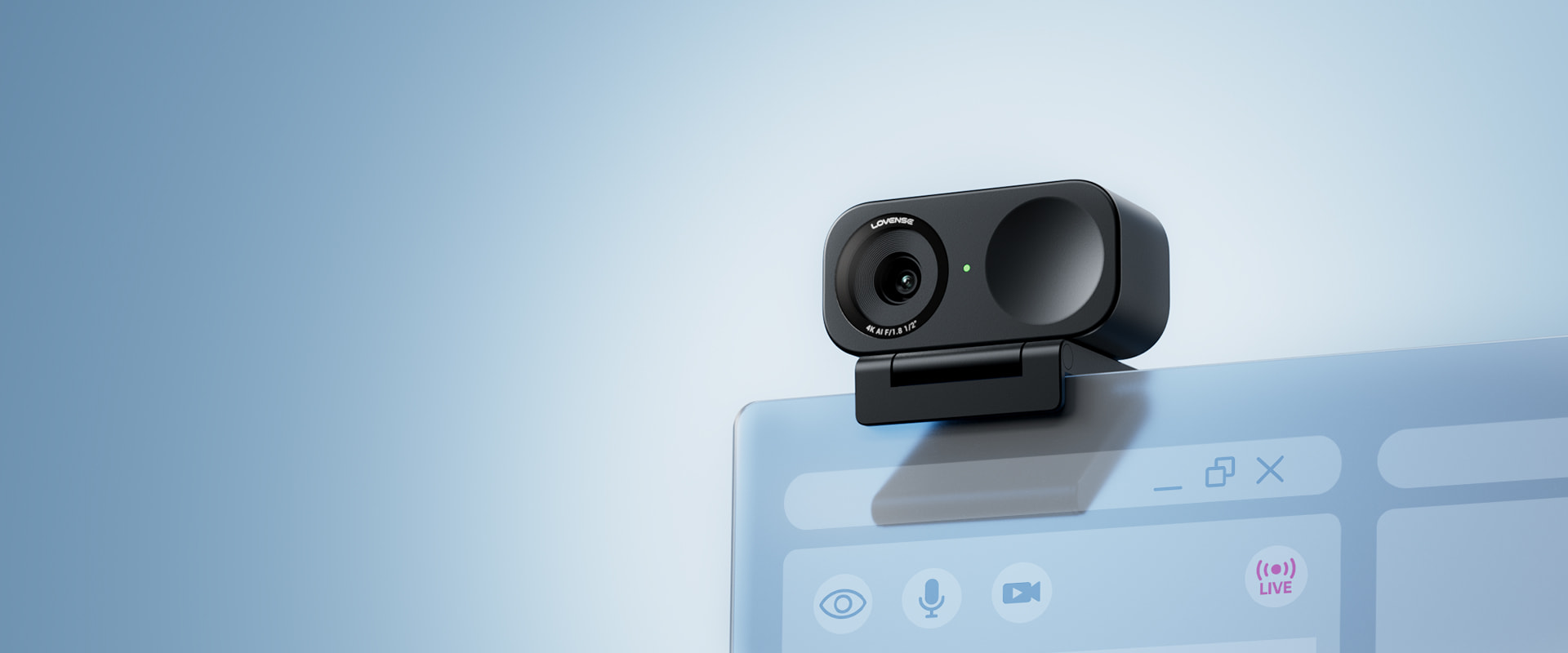
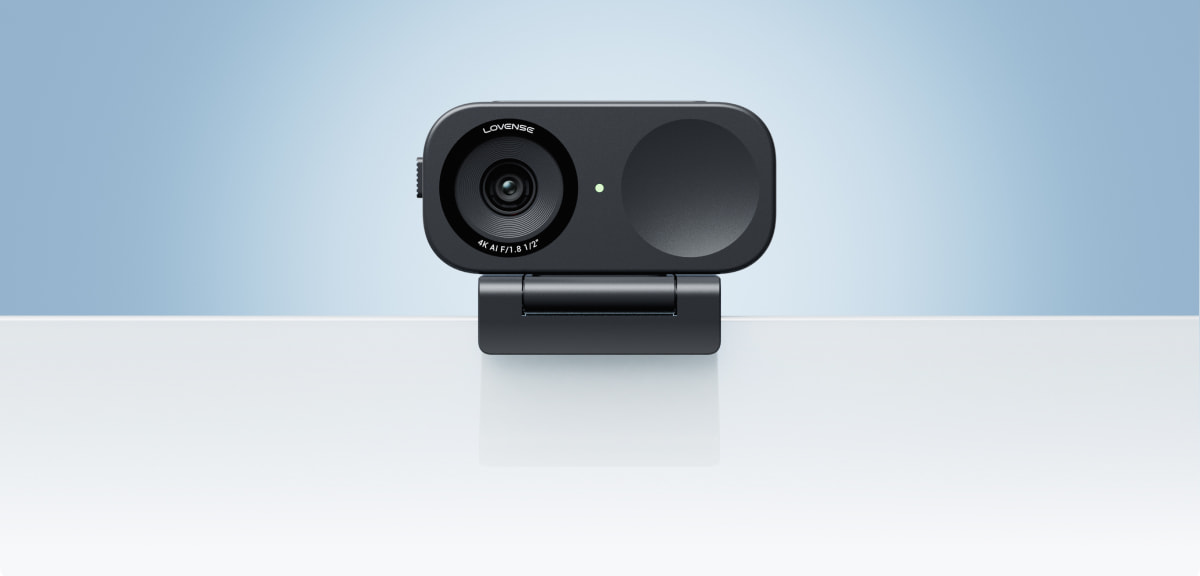
Lovense 4K Webcam 2 Upgraded Design for Cam Models and Live Streaming
Compatible w/ Lovense Software
Easy for cam models to set up and use.
Ultra HD 4K resolution camera with powerful lowlight performance.
Easily adjustable with hand gestures and mobile controls.
Minimize any unwanted background noise.
Best Pro Webcam for Livestream Models
Compatible with Lovense Cam Extension and Stream Master for a simple set up.
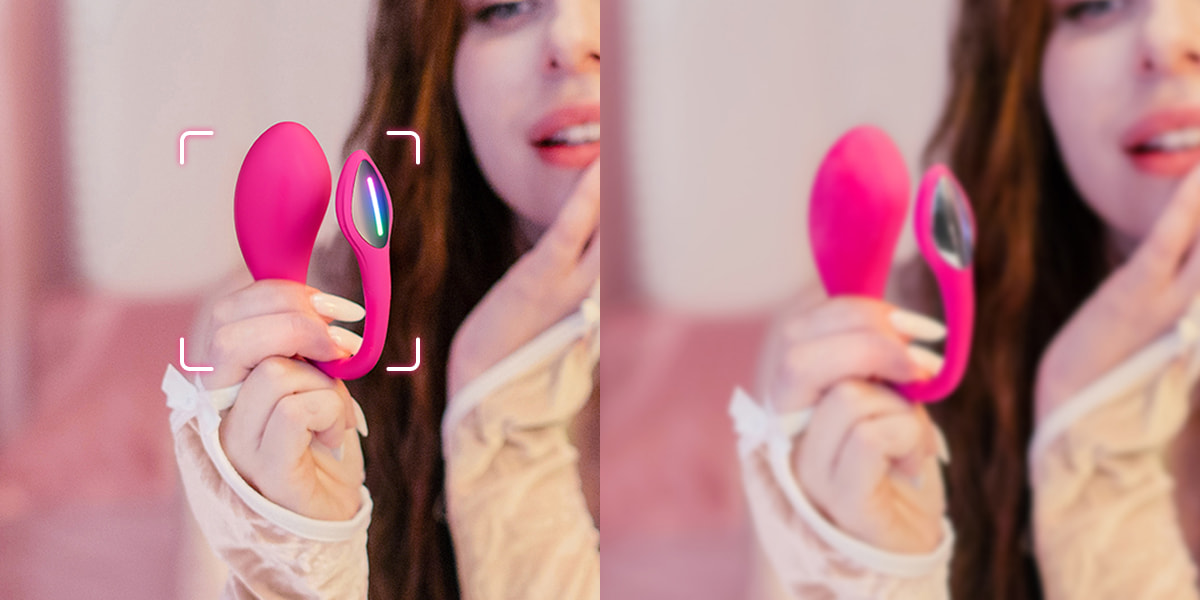
Webcam 2 can respond to tips and automatically zoom in on preset positions.
Look Your Best with Ultra HD 4K Resolution
Enjoy clear and focused video quality during livestreams—no more blurry shots!
Make Your Skin Glow Even in Low Light
HDR mode automatically adjusts highlights to give you a bright and clear image.
Auto Framing Follows Your Movement

As you move around the camera frame, Auto Framing will adjust to keep your face centered at all times.

Effortlessly Control via Gestures, Mobile, or Auto Control

Zoom in and out using your phone or basic hand gestures, or turn on Auto Framing while you're livestreaming.

Adjust settings or switch modes with a simple tap.

Zoom in/out with a simple hand gesture from a distance.

Turn on Auto Framing to let the camera automatically center you in the frame.

Make Your Voice Sound Great with the Power of AI

Filter out unwanted background noise with noise cancellation, highlight your own voice, or balance your vocals with music.

Highlight the sound of your voice and minimize background noise.

Filter out nearby voices and background noise in busy environments.

Balance your voice with external background music.

Take Your Show to the Next Level with Lovense Toys
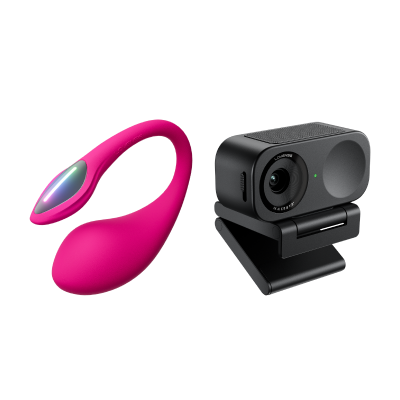
Light up your streaming session with this G-spot egg vibrator
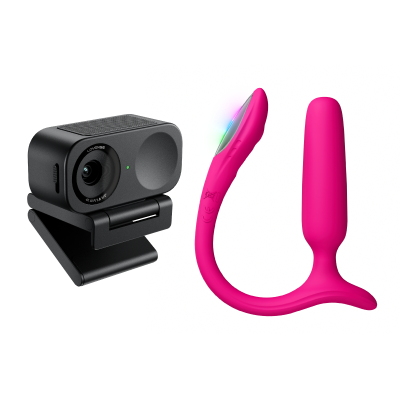
Light up your streaming session with this Anal vibrator
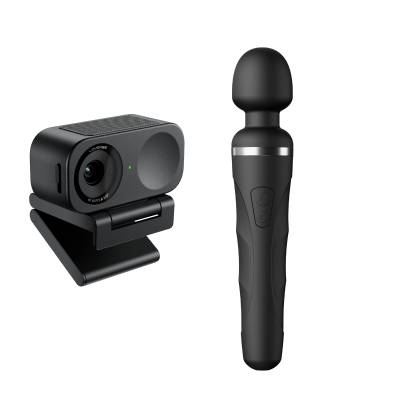
Create a captivating experience with this versatile wand massager
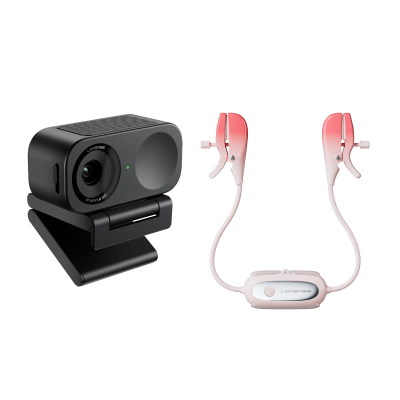
Enhance interaction with tippers by wearing these vibrating nipple clamps
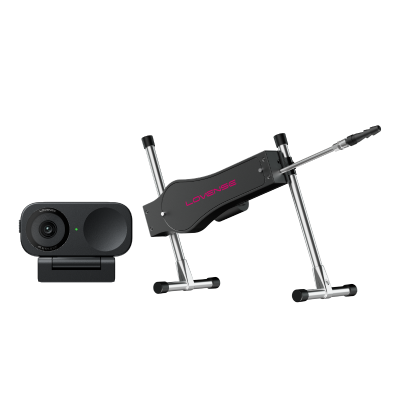
Boost your livestream engagement with this automatic thrusting machine
How to set up Lovense Webcam 2
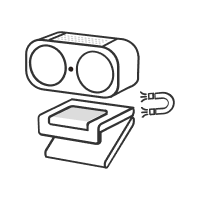
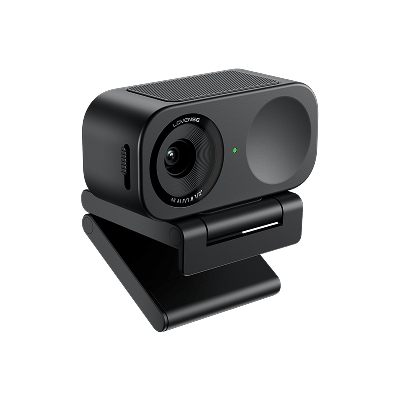
Attach your Webcam 2 to the magnetic mount (included).
Clip the mount onto your computer screen.Note: there is a 1/4 inch screw hold at the base of the mount to connect a stand/tripod (not included).
Connect the Webcam 2 to your computer using the USB cable (included). The green indicator light on the front of the camera will flash on once connected successfully.
How to use Webcam 2 with Lovense Software
Compatible with all Lovense Camming Software
(2.8.6 or newer for iOS and 3.0.2 or newer for Android)
Livestream easily from your favorite webcam platforms
Works with other major platforms including Zoom, Microsoft Teams, Twitch, and more.
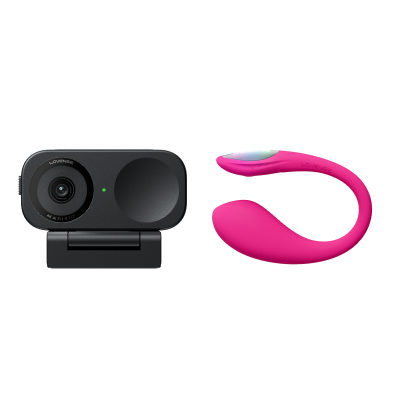
This bundle will replace: Lovense Webcam 2
32°F to 104°F (0°C to 40°C)
Magnetic Mount with 1/4" mounting point for external tripod
Q1: How do I use it for livestreaming with Lovense Stream Master or Lovense Cam Extension?
You can easily set up Lovense Webcam 2 for using it with Lovense Stream Master or Lovense Cam Extension.
1. Connect Lovense Webcam 2 to your computer.
2. For Lovense Stream Master users: open built-in OBS in the settings page; For Lovense Cam Extension users: install our latest version of OBS toolset.
3. Connect your OBS to Lovense Cam Extension.
4. Add a "Video Capture Device" to your scene. Choose Lovense Webcam 2 to your camera source.
5. Adjust the webcam settings in the settings page.
Q2: Which platforms support Lovense Webcam 2?
Lovense Webcam 2 is compatible with:
1.Streaming platforms such as Chaturbate, StripChat, BongaCams, Cam4, MyFreeCams, OnlyFans, Fansly, Twitch, etc.
2.Streaming tools such as OBS, Streamlabs, XSplit and more.
3.Meeting platforms such as Microsoft Teams, Skype, Zoom, Google Meet.
Q3: What are the minimum software requirements for using Lovense Webcam 2 with Lovense Stream Master and Cam Extension?
1. For Stream Master users:
Stream Master - 1.2.2 or newer
Lovense Connect mobile app - 2.8.6 or newer for iOS and 3.0.2 or newer for Android
2. For Lovense Cam Extension users:
Lovense OBS toolset - 2.0.8 or newer
Lovense Cam Extension - 30.7.0 or newer
Q4: How does Lovense Webcam 2’s performance compare to the previous Webcam?
In our internal testing, we found that Lovense Webcam 2 generates 10% less heat and takes up 10% less computing resources compared to Lovense Webcam.
Q5: What is included with Lovense Webcam 2?
Q6: Where can I find the user manual?
Please click here to download the user manual for Lovense Webcam 2.
Q7: Can I use Lovense Webcam 2 without Lovense software?